
Logos, posters and images right in the chat
A small business needs images all the time: a logo, a sale poster, a social media post, product photos for a marketplace. Ordering each one from a designer is slow and expensive. Now EYWA draws them right in the chat — from a description or from a photo of your product.
What EYWA draws
- Logos — several options to choose from.
- Posters and banners — for a sale, an event or an opening.
- Social media posts — an image to match the idea of the post.
- Product cards — white-background shots and marketplace scenes.
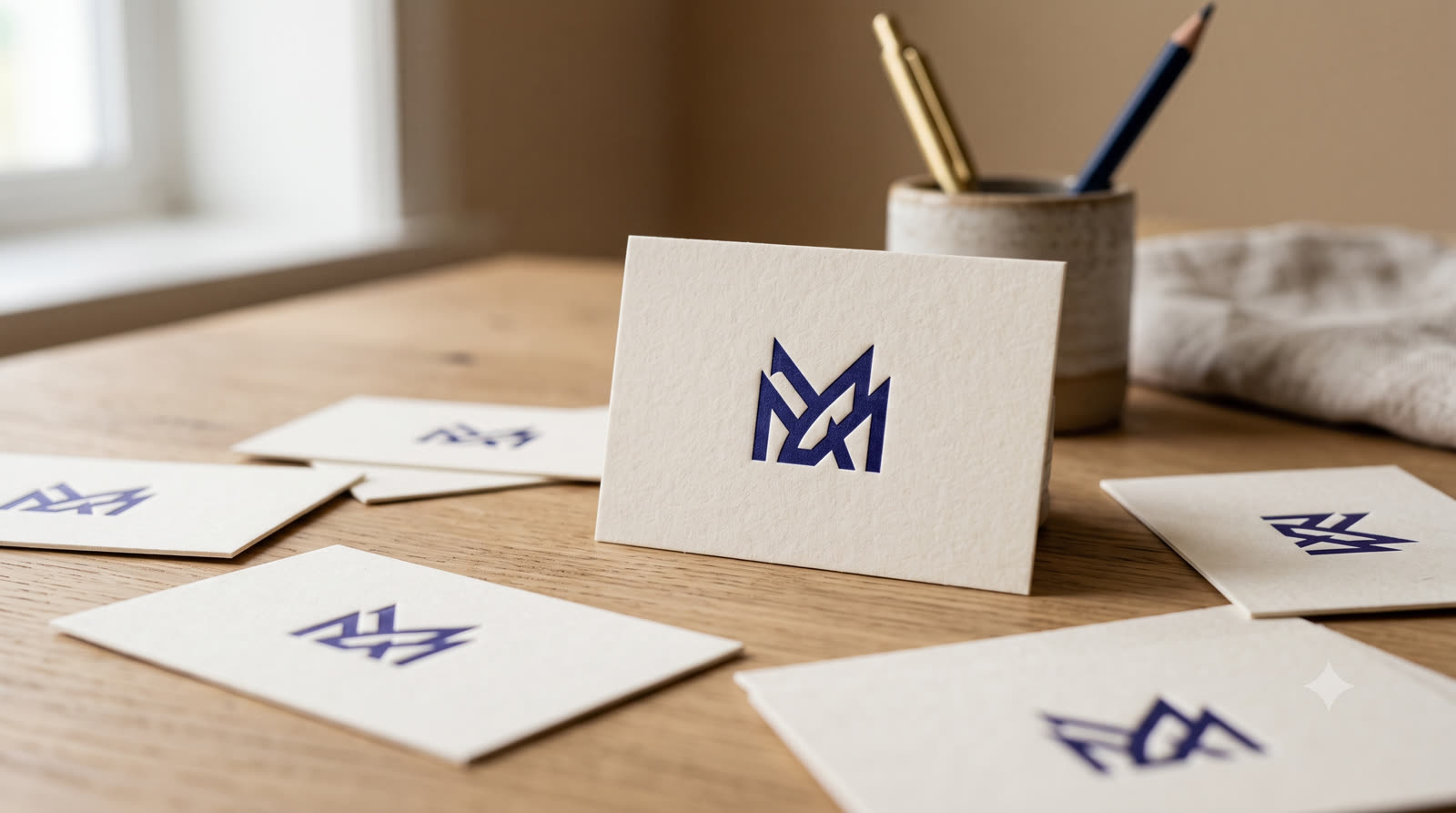
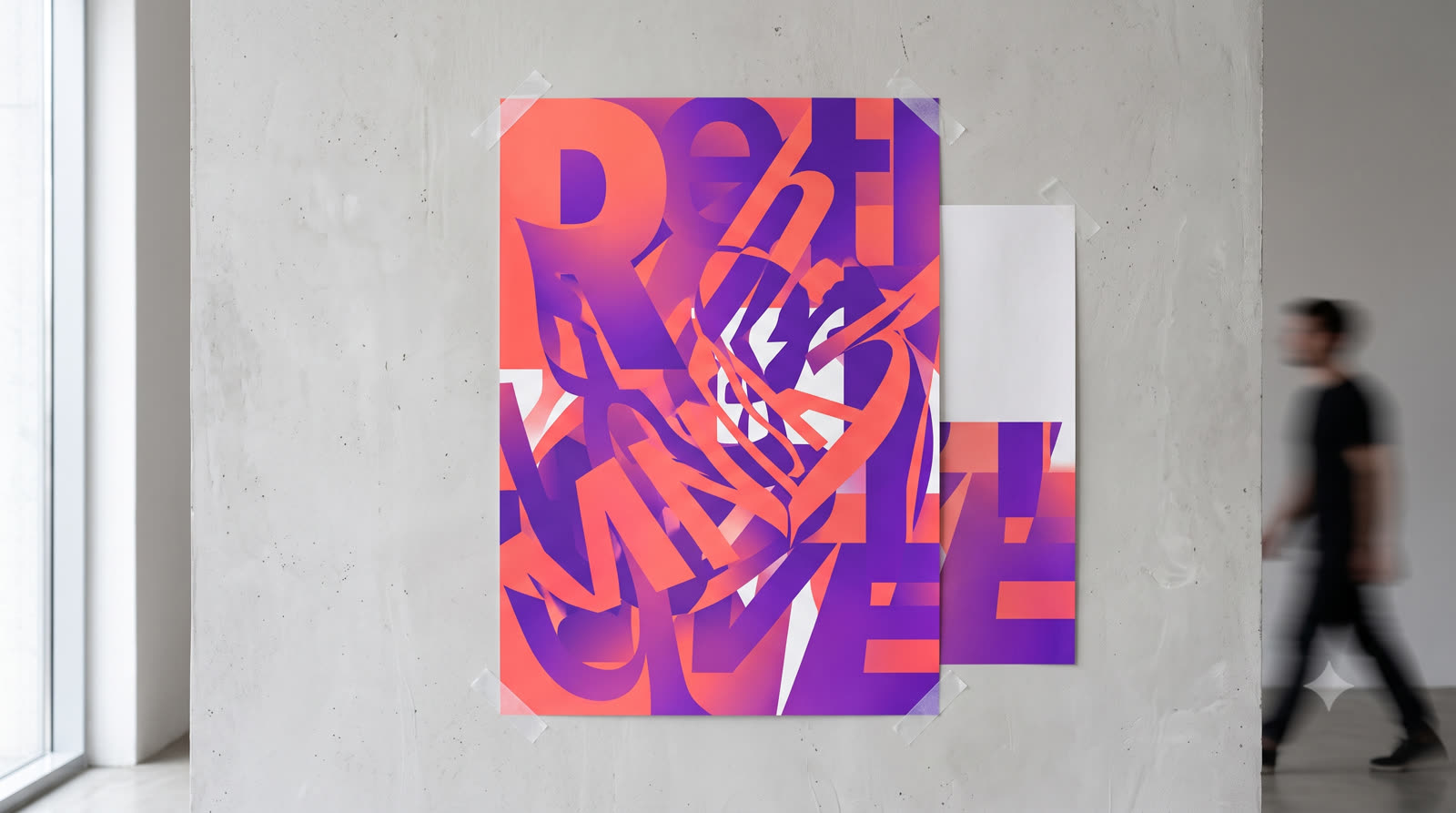


A logo in a couple of minutes
Name the business and describe the mood: strict, warm, bright. EYWA offers several options, and you refine the one you like in plain words.
Product photos for a marketplace
Send a photo of your product taken on a phone. EYWA removes the clutter and makes a clean studio shot for your catalog — or places the product in an attractive scene.
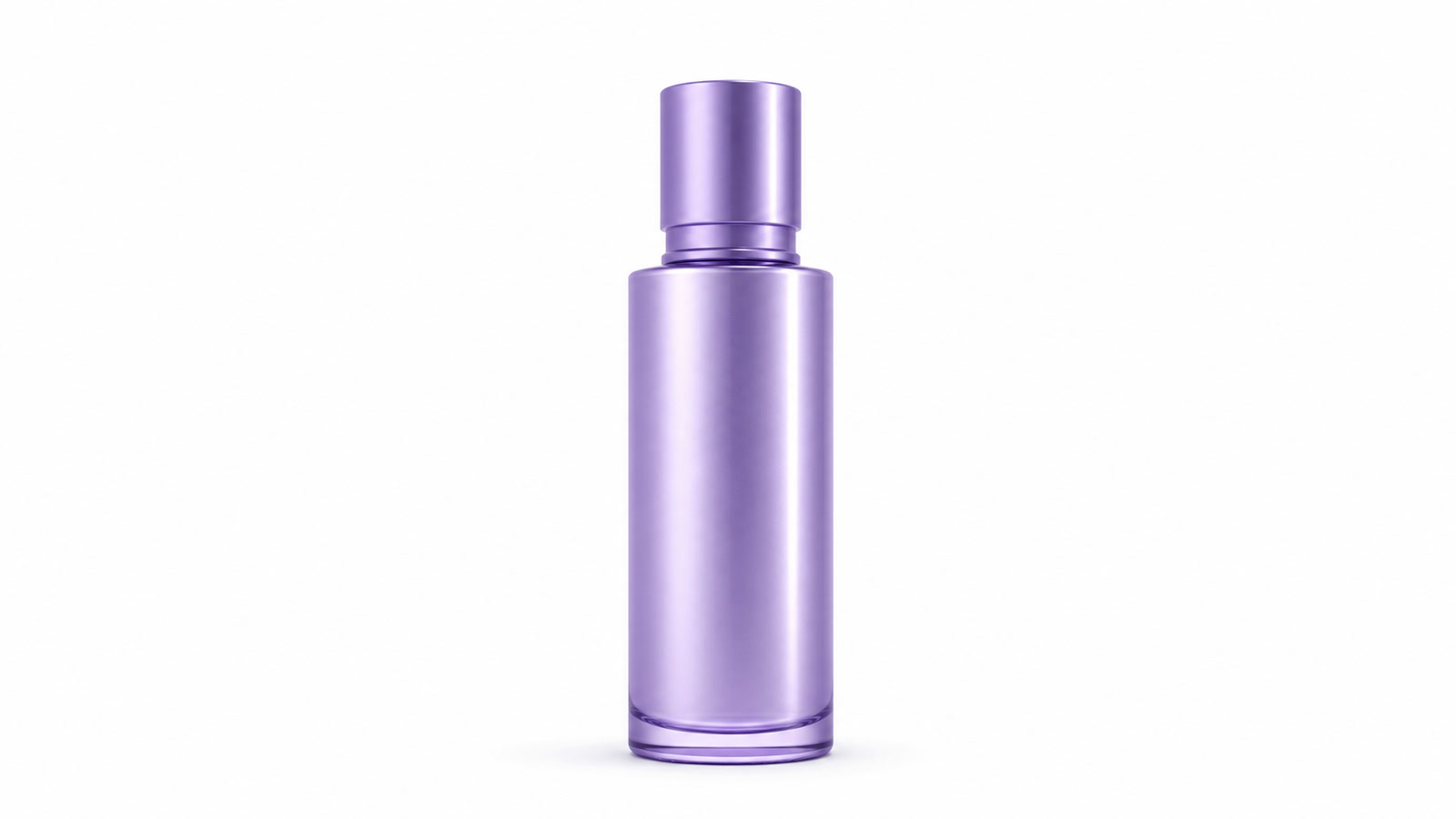
How to get a good result
- 1Say what the image is for: a logo, a poster, a post, a product card.
- 2Describe the style and colors — or attach an example you like.
- 3For a product, attach its photo so the image shows your item, not a lookalike.
- 4Refine in words: “bigger lettering”, “lighter background”, “no people”.
Where images come in handy
- Marketplaces: white-background shots for the catalog and scenes showing the product in use.
- Social media: an image for a post about a new arrival, a sale or an event at your store.
- In store: a sale poster by the till, a menu, a “We're open” sign.
- Brand identity: a logo, a profile cover, a business card.
Prompt
«Make a bright Instagram banner for 20% off all shoes until the end of the week»
What you get
a square banner with a big discount figure and the sale dates, ready to post.
Bottom line
A logo, a poster or a product photo is now made in the same chat where you ask questions and write documents. Describe what you need and pick from the options.
More articles
Voiceovers in Uzbek, Russian and English
EYWA reads text aloud in a natural voice in three languages — for ads, lessons, announcements and phone-line greetings. Pick the voice and the pace.

EYWA in Telegram
EYWA now works right inside Telegram — no separate app. The same answers in three languages and the same documents, in the messenger you already have open.
Try it on your own task
Open the chat and send what you need right now. 120 messages a month — free, no card required.